Pluno for Communities
On Discord, Telegram, and web
Improve your customer support with Pluno's automated response generation. Try our 14-day free trial to experience 98% accurate answers across Discord, Telegram, and more.
66%
of Scroll's community questions are answered by Pluno with the upvote ratio of 91%.
57%
of Dune's community questions are answered by Pluno with the upvote ratio of 77%.
54%
of Chainflip's community questions are answered by Pluno with the upvote ratio of 85%.
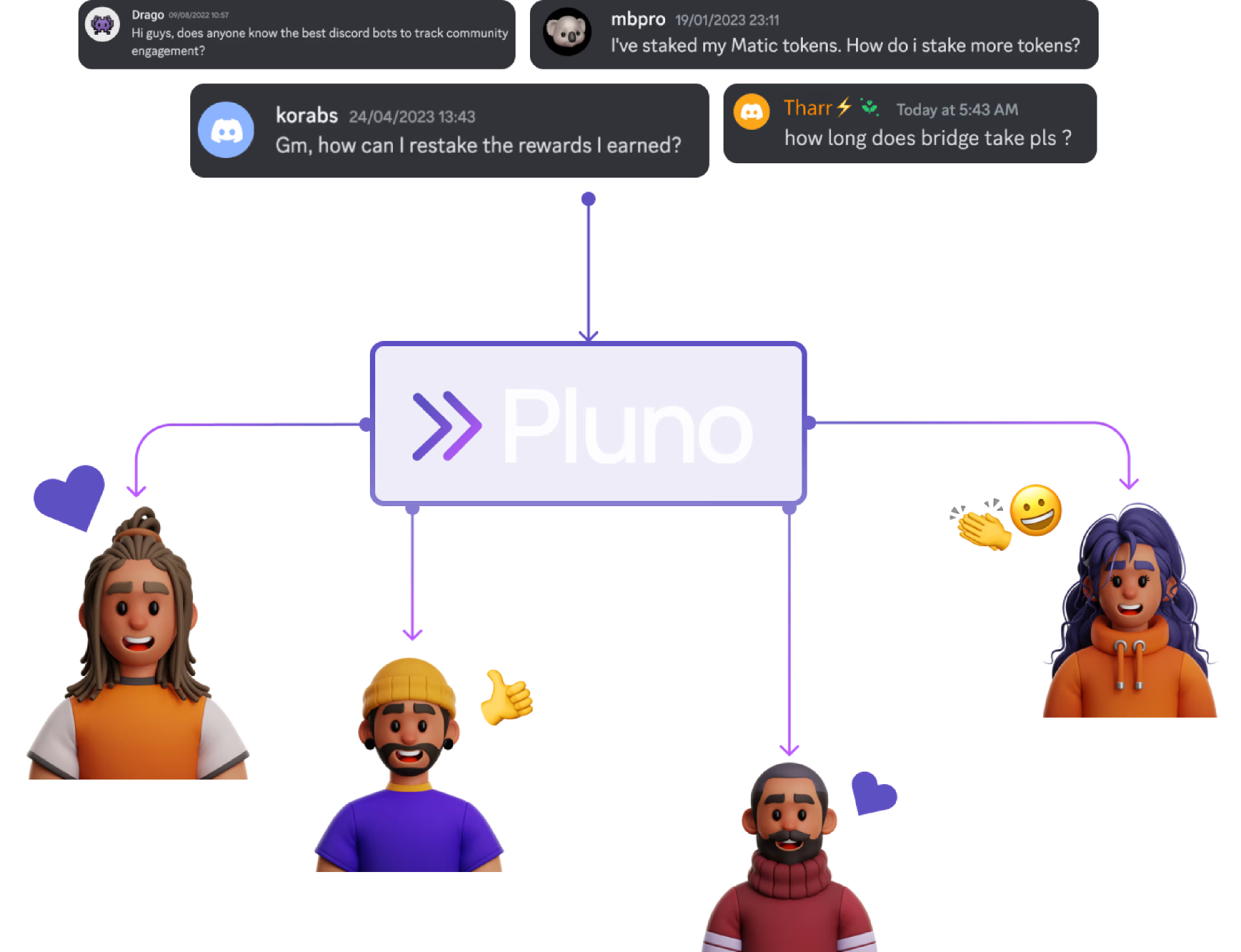
Your community prioritizes getting their questions answered quickly, regardless of who provides the solution
Some people worry that using a bot to reply to messages will upset their community, but the Pluno bot operates successfully in large communities like Scroll, Dune, and Aave. Our observations show that communities values quick issue resolution and are less likely to engage if they have to wait too long. This is where Pluno comes in as a mod's sidekick, easing their burden by quickly answering questions with high accuracy!
Most experienced mods go for Pluno
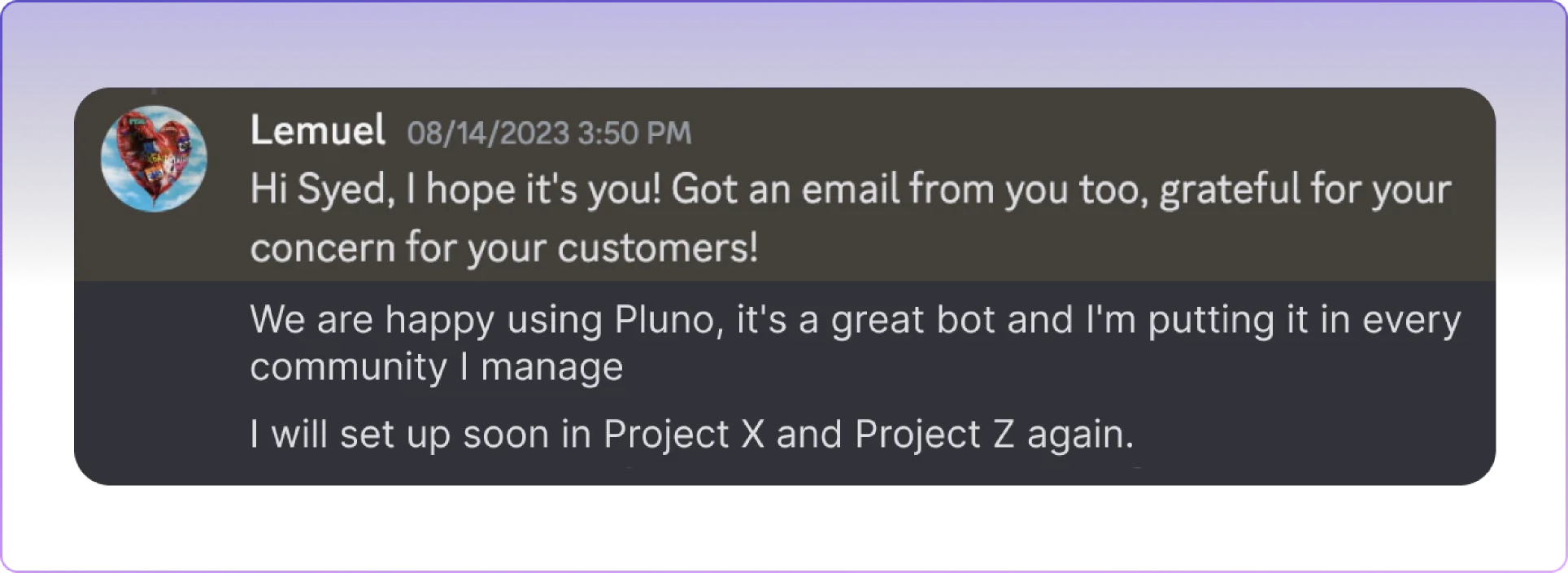
It's actually the mods themselves, not the finance or marketing teams, who decide to bring the Pluno bot into their community. We've seen cases where mods are so happy with this call that they go ahead and introduce the bot across all the communities they manage. This totally settles the whole debate about 'mods versus bots.'
Fastest growing communities attribute swift support as the #1 factor
In other words, they ensure that:
- Community questions get answered fast.
- No question goes unanswered.
- The answers solve their problems.
Set it up in less than 10 minutes!
Give it a shot for 14 days at no cost – no commitments, no credit card required.
That's exactly what you can accomplish with Pluno
Not just auto-answering, we provide more
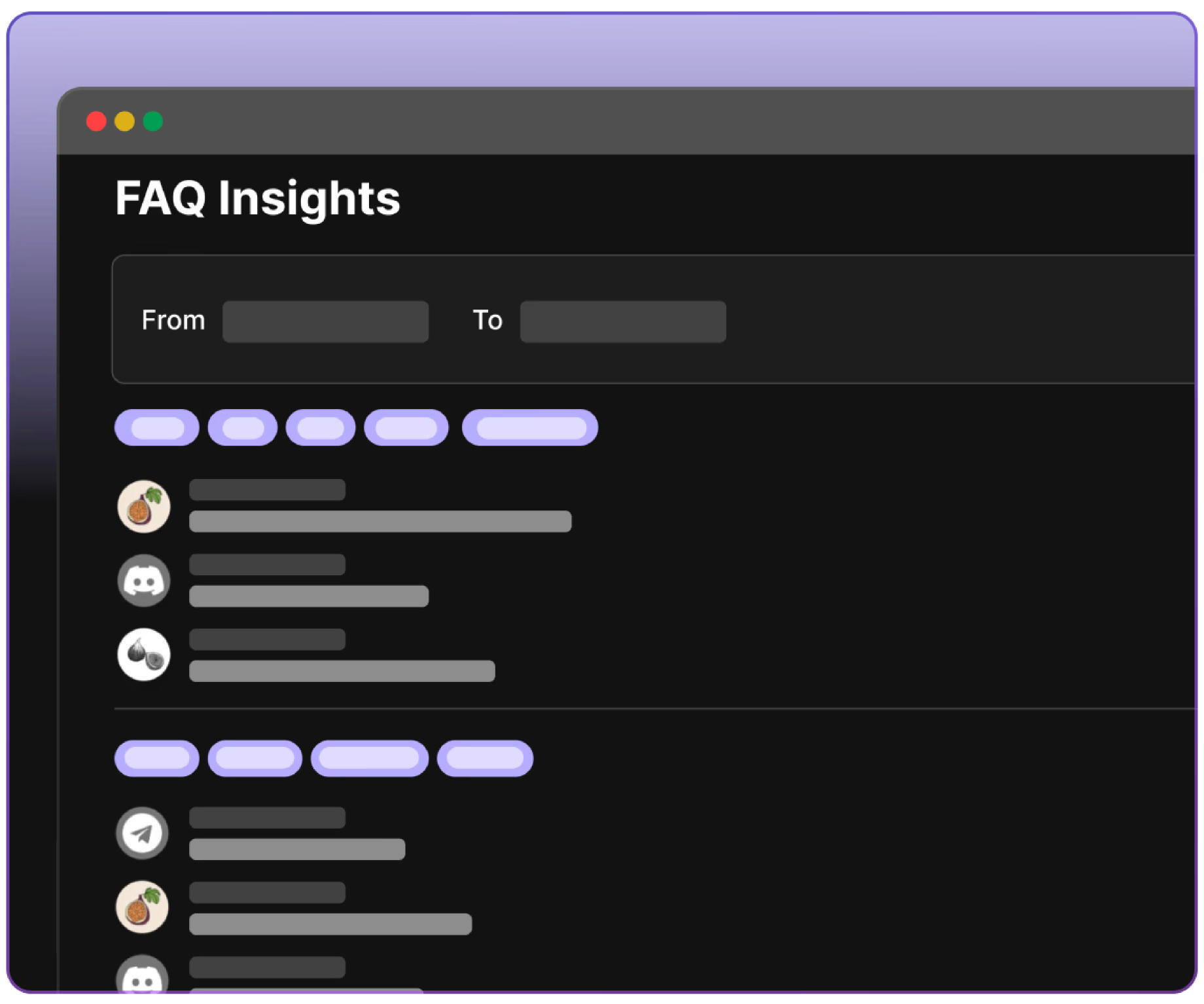
Get community trend insights faster
Discover the subjects your community is discussing, their interests, main concerns, etc., to enhance your offerings, services, and foster stronger relationships. Our analytics page facilitates this process.

No need to constantly monitor channels for missed messages
Imagine having all the unanswered community questions listed for you in an organized format. This allows you to swiftly respond or dismiss them with just one button click. That's what our support portal enables you to do.
Up-to-date responses to community questions
Some worry that since Pluno learns from previous chats, it could potentially use outdated info to generate responses. Our bot is way smarter than that! It looks at message timestamps to spot the latest and most relevant info, guaranteeing accuracy in its replies.
Answers when it makes sense and only with certainty
Picture a bot that's smart enough to know when to respond and when to hold back. That's how we have trained the Pluno bot. It not only understands questions when they don't look like one but can also tell apart statements that sound like questions but aren't one.

Fully automated? — yes, but entirely in your control
From editing an auto-generated response in real time to removing one from the chat, you decide what goes on in your community. When we said it's a mod's sidekick, we meant it. Pluno bot works with you to ease your burden and look after things while you're away, but always play by your rules.
Multilingual support for global communities
The Pluno bot can handle community inquiries in any language. This means it can access your knowledge base, chat history, and documentation in one language and provide quick and accurate responses in another. A comprehensive support solution, indeed.
What community managers say
Pluno has helped us improve our user experience and build a loyal customer base. With its automation and analytics features, we can streamline our support processes and respond to our users quickly. We highly recommend it to any startup looking to enhance their customer experience in the community.
DAN
Community Manager
Pluno is a next-gen community management and support tool that really makes it feel as though you're living in the future. It's easy to train and deploy, and works seamlessly across all of our channels, stepping in with accurate answers at any time of the day or night. It's hard to imagine how we moderated our ever-growing community without it.
Elliot Hill
CMO
At Dune we love the Pluno bot and use its insights about our communities' most requested features to make better product decisions.
Fredrik Haga
CEO at Dune
Your Bot has been good so far. Pluno is the best out there, the accuracy in answering questions is top notch. The ability for it to answer questions based on what mods and admins have answered before make it the best. Other AI bot I have seen only answers questions based on the documents given to it. Well done!
Caleb Okochi
Community Manager at Cashmere Labs
Frequently asked questions
To add Pluno to Discord, go to the Pluno website, click Get Started For Free or Invite Bot, complete the short form, choose the server you manage, and authorize the bot. Pluno requests a minimal permission set compared with similar tools. After the invite, you complete onboarding to train and activate the bot.
For Telegram, you first start the official Pluno bot, then add it to your group or channel as an admin. Only admin rights are needed, while the other Telegram permission toggles can remain off. After that, you send your group or channel link and your Discord ID to the Pluno team so they can complete the rest of the setup.
Pluno uses your Discord ID to create and whitelist your dashboard account so you can log in with Discord, manage knowledge sources, and configure permissions. The team uses the information you send to review permissions, export Telegram chat history, create the dashboard, and activate the bot once setup is complete.
Onboarding starts from the Start Onboarding button in the dashboard. From there, you add documentation and website links, choose the channels where the bot can learn and reply, review your setup, and click Finish to begin training. Your choices are not final, so you can update them later.
You can train Pluno with documentation pages and website URLs. There is no fixed limit on the number of web links you can add, which makes it possible to build a broader knowledge base as your content grows.
Yes. Pluno automatically re-scrapes uploaded web page links every two weeks to refresh the knowledge base. You can also manually trigger a refresh at any time using the refresh icon next to a link when you want new content picked up sooner.
Yes. Pluno gives you channel-level control over bot behavior. You can decide which channels it should monitor for learning and which channels it is allowed to reply in. If reply access is turned off for a channel, the bot will not post there.
Once training is finished, you’ll receive a direct message from the Pluno bot on Discord letting you know it is ready. You can also test it by asking a question and tagging the bot in one of the allowed channels.
Yes. If a response needs to be corrected or improved, you can right-click the message in Discord, open the edit action, and follow the generated link or pen icon into the dashboard. After you save your changes, the updated answer is stored in your knowledge base and the original Discord response is updated automatically.
Yes. Pluno includes Pluno-Add, which lets you save strong questions or answers from Discord for future reuse. You start by right-clicking the message, then follow the link into the web app and save the Q&A into the knowledge base.
No. Once Pluno is fully active in your community, it automatically answers relevant questions using its configured knowledge sources, including the knowledge base, documentation, and chat history.
Yes. Pluno can answer questions in multiple languages, even when the underlying source content is primarily written in another language. This is intended to help communities support members across different regions more effectively.
Ready to see Pluno in action?
Never write the same reply again! Save 15 min per response.